
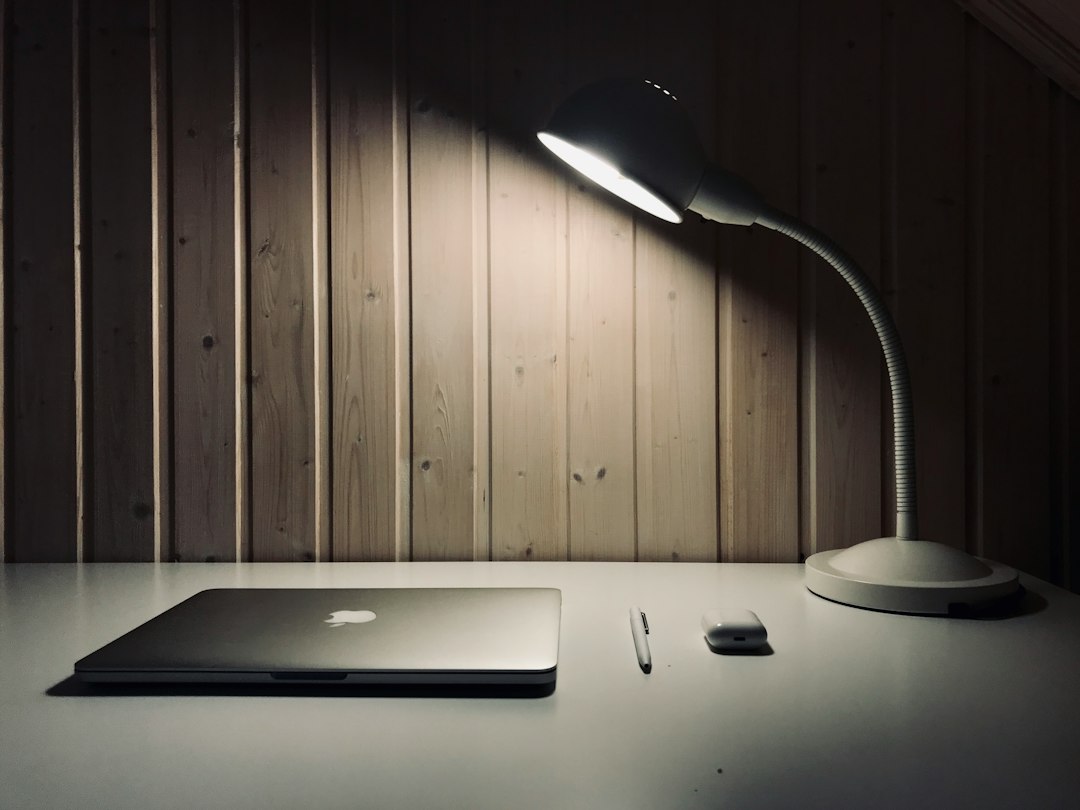
Rechargeable Desk Lamp: Cleaning and Maintenance Guide for Longevity
Rechargeable desk lamps are a fantastic addition to any workspace, offering flexibility and convenience without being tethered to an outlet. To keep yours working optimally and looking great for years to come, a bit of regular cleaning and maintenance goes a long way. It’s not complicated, just a few practical steps that make a real difference in its lifespan and performance.
Getting Started: The Basics of Rechargeable Lamp Care
Before diving into the nitty-gritty, let’s cover some foundational principles that apply to virtually all rechargeable desk lamps. Think of these as the golden rules for keeping your lamp happy and healthy. Ignoring these can lead to accelerated wear, diminished performance, or even damage, regardless of how diligently you clean.
Safety First: Unplugging is Key
This might seem obvious, but it’s crucial: always unplug your rechargeable desk lamp from its charging source before you start any cleaning or maintenance. Even if the lamp isn’t actively glowing, it could still be drawing a trickle charge or hold a residual current. For battery-powered devices, this also means ensuring the lamp is turned completely off. This simple step protects you from potential electrical shocks and prevents accidental short circuits that could damage the lamp’s internal components. It’s a quick habit that ensures peace of mind.
Gentle Cleaning Solutions Only
When it comes to cleaning, less is definitely more. Harsh chemicals like ammonia-based cleaners, abrasive scrubs, or industrial solvents are a big no-no. They can strip protective coatings, discolor plastics, corrode metal finishes, and even damage the delicate electronics or optical components. Stick to mild, non-abrasive cleaners. A slightly damp microfiber cloth is often all you need for most surfaces. For tougher spots, a very dilute solution of mild dish soap and water is usually sufficient. Always apply the cleaning solution to the cloth first, rather than directly onto the lamp.
The Right Tools for the Job
Having the right tools makes cleaning and maintenance much easier and more effective. You don’t need a professional kit, just a few common household items:
- Microfiber cloths: These are excellent for dusting and wiping down surfaces without leaving lint or scratches. Have a couple on hand – one for dry dusting, one for damp cleaning.
- Soft-bristled brushes (e.g., old toothbrush, small paint brush): Perfect for getting into crevices, around buttons, and between moving parts where dust tends to accumulate.
- Cotton swabs/Q-tips: Ideal for precision cleaning in tight spots, like charging ports or tiny indicator lights.
- Canned air (optional but recommended): Great for blowing dust out of hard-to-reach areas without direct contact, especially around ventilation holes or charging ports. Just make sure to use it upright and in short bursts to avoid moisture build-up.
- Isopropyl alcohol (for specific situations, see below): Can be useful for cleaning electrical contacts, but use sparingly and cautiously.
Routine Cleaning for a Brighter Glow
Regular cleaning isn’t just about aesthetics; it directly impacts your lamp’s performance and lifespan. Dust and grime can impede heat dissipation, reduce light output, and even clog moving parts. Establishing a simple routine will keep your lamp in top condition.
Exterior Dusting: Keeping it Pristine
Dust is the enemy of all electronics, and your desk lamp is no exception. It accumulates quickly and can make your lamp look dull.
- Frequency: Aim for a quick dusting every week or two, or whenever you notice visible dust buildup.
- Method: Use a clean, dry microfiber cloth to gently wipe down all exterior surfaces. Start from the top and work your way down. For textured surfaces or areas that attract a lot of dust, a soft-bristled brush can help dislodge particles before wiping. Don’t forget the base and the underside of the lamp head.
Cleaning the Light Panel/Diffuser: Maximizing Light Output
The part of the lamp that emits light, whether it’s an LED panel or a diffuser cover, is crucial. Fingerprints, dust, and smudges can significantly reduce light clarity and intensity.
- Frequency: Clean this area whenever you notice smudges or a dulling of light, typically once a month or as needed.
- Method: First, use a dry microfiber cloth to gently wipe away any loose dust. If there are fingerprints or stubborn smudges, lightly dampen a separate clean microfiber cloth with a tiny amount of water (or a very dilute solution of mild soap and water). Wring it out thoroughly so it’s barely damp, then gently wipe the light panel. Immediately follow up with a dry microfiber cloth to remove any moisture streaks. Avoid pressing too hard, especially on flexible light panels. Never spray liquid directly onto the light source.
Tackling Crevices and Controls: No More Grime
Buttons, switches, charging ports, and hinges are notorious dust and grime magnets. These areas can also be breeding grounds for germs.
- Frequency: Address these areas during your monthly cleaning routine, or more frequently if you use your lamp extensively or eat at your desk.
- Method:
- Buttons and Switches: Use a cotton swab lightly dampened with isopropyl alcohol (if safe for the material, test in an inconspicuous spot first) to clean around and between buttons. For mechanical switches, a soft-bristled brush can help dislodge debris.
- Charging Ports: This is a delicate area. Use a dry cotton swab or a small, soft-bristled brush to gently remove any lint or dust from inside the port. Canned air can also be effective here, used in short bursts while holding the can upright. Never insert anything metallic or sharp into the charging port. This can damage the pins and render your lamp unchargeable.
- Hinges and Articulating Joints: For lamps with adjustable arms or heads, dust and debris can accumulate in the hinges. Use a soft-bristled brush or a dry cotton swab to clean these areas. If the joints feel stiff, a tiny drop of silicone-based lubricant (avoid oil-based lubricants, which can attract dust) applied sparingly to the moving parts might help, but consult your lamp’s manual first.
Deeper Dive: Battery and Electrical Care
The rechargeable aspect of your lamp means paying extra attention to its power source. Proper battery care is paramount for extending its overall lifespan and ensuring reliable performance. Ignoring these aspects can lead to a rapidly degrading battery, meaning your lamp won’t hold a charge for long.
Understanding Your Battery’s Best Practices
Most modern rechargeable desk lamps use lithium-ion batteries. These batteries have specific preferences for optimal longevity.
- Avoid Deep Discharges: Try not to let your battery drain completely to 0% regularly. Lithium-ion batteries prefer to be kept between 20% and 80% charge. Regularly letting them die completely can reduce their overall capacity over time.
- Avoid Constant Overcharging: While modern lamps have circuitry to prevent severe overcharging, leaving them plugged in 24/7, especially at 100% charge, can still put a slight strain on the battery. It’s generally best to unplug the lamp once it’s fully charged, especially if you won’t be using it for a while.
- Temperature Matters: Extreme temperatures are detrimental to batteries. Avoid leaving your lamp in direct sunlight, in a hot car, or in extremely cold environments for extended periods. Room temperature is ideal for both charging and storage.
- Initial Charge: When you first get your lamp, follow the manufacturer’s instructions for the initial charge. Sometimes they recommend a full charge before first use.
Cleaning the Charging Port and Cable
A clean charging connection is vital for efficient and safe power transfer.
- Frequency: Inspect and clean monthly, or if you experience charging issues.
- Lamp’s Charging Port: As mentioned earlier, use a dry cotton swab or canned air to gently clear out any lint or dust. Be extremely careful not to damage the internal contacts.
- Charging Cable and Adapter: Inspect the cable regularly for any signs of fraying, cuts, or exposed wires. Damaged cables are a fire hazard and should be replaced immediately. Wipe down the cable and the charging adapter (the plug part) with a slightly damp microfiber cloth to remove grime. Ensure the metal contacts on the charging plug are clean and free of corrosion. If you notice any discoloration or residue, a tiny bit of isopropyl alcohol on a cotton swab can clean these contacts effectively. Make sure everything is completely dry before plugging it in.
Long-Term Storage Considerations
If you plan to store your rechargeable desk lamp for an extended period (e.g., several months), a little preparation can prevent battery degradation.
- Charge Level: Charge the battery to approximately 50-60% before storing. Storing a lithium-ion battery at 100% or 0% charge for long periods can shorten its lifespan.
- Cool, Dry Place: Store the lamp in a cool, dry place away from direct sunlight and extreme temperatures.
- Periodic Recharging: If possible, every 3-6 months, take the lamp out of storage, fully charge it, use it for a bit, and then recharge it back to 50-60% before putting it back. This helps maintain the battery’s health.
Troubleshooting Common Issues and What to Avoid
Even with the best care, sometimes things go awry. Knowing how to troubleshoot basic problems and, crucially, what not to do can save you a lot of headache and potentially extend your lamp’s life.
Lamp Not Turning On or Dimming
This is perhaps the most common issue, and thankfully, often has a simple solution.
- Check the Charge: Is the battery dead? Plug it into its charger and let it charge for a while (at least 30 minutes to an hour) before trying again. Sometimes, a completely drained battery needs a bit of time on the charger before it can even register.
- Verify Power Source: Is the charger plugged into a working outlet? Is the USB cable securely connected to both the lamp and the adapter? Try a different outlet or a different USB port/adapter if possible.
- Inspect the Cable: Look for any visible damage to the charging cable (frays, bends). A damaged cable won’t deliver power effectively.
- Clean the Charging Port: Lint or debris in the lamp’s charging port can prevent a good connection. Gently clean it as described in the “Cleaning the Charging Port and Cable” section.
- Reset (if applicable): Some lamps have a small reset button (often recessed, requiring a paperclip to press). Consult your manual to see if your model has this feature and how to use it. Alternatively, simply disconnecting the power source and letting the lamp sit for a few minutes before reconnecting can sometimes resolve minor electronic glitches.
Light Flickering or Inconsistent Brightness
This can be frustrating, especially when you’re trying to focus.
- Battery Level: A flickering light can be an indicator of a low battery. Charge the lamp fully.
- Loose Connection: Check that the charging cable is firmly connected. Even a slight wiggle can cause intermittent power.
- Internal Issue (Less Common): If the lamp is fully charged and the connections are secure, but flickering persists, it might indicate an internal electrical issue. If the lamp is still under warranty, contact the manufacturer. Otherwise, it might be nearing the end of its life, or you may need professional repair if you’re technically inclined (though opening sealed electronics is generally not recommended for the average user).
Lamp Getting Hot During Use or Charging
A little warmth is normal, especially during charging or extended use, but excessive heat is a red flag.
- Normal vs. Excessive: A lamp getting slightly warm to the touch, particularly around the light source or the charging port, is usually fine. If it’s uncomfortably hot to touch, smells like burning plastic, or shows signs of discoloration, unplug it immediately.
- Ventilation: Ensure any ventilation holes on the lamp (usually on the back of the head or base) are not obstructed by dust or other objects. Proper airflow helps dissipate heat.
- Charging Cable/Adapter: Sometimes, a faulty charging cable or adapter can cause excessive heat. Try a different, reputable charger if you suspect this.
- Environmental Factors: Using the lamp in a very hot room or in direct sunlight can contribute to overheating.
What NOT to Do: Common Pitfalls
Avoiding these actions is just as important as performing regular maintenance.
- Never Open the Lamp’s Casing: Unless explicitly instructed by the manufacturer for a specific repair (which is rare for consumer-grade lamps), do not attempt to open the lamp’s sealed casing. This can void your warranty, expose you to live electronics, and damage delicate internal components, especially the battery.
- Don’t Force Connectors: If a charging cable doesn’t easily plug in, don’t force it. You could damage the lamp’s charging port or the cable itself. Inspect for obstructions or ensure you’re using the correct orientation.
- Avoid Submerging or Drenching: Most desk lamps are not waterproof. Even if a wipe-down is needed, ensure your cloth is only slightly damp and never allow liquids to drip into openings or seams.
- Don’t Use Abrasive Materials: Scouring pads, steel wool, or rough cloths will scratch the lamp’s finish and light panel, permanently damaging its appearance and light output.
When to Consider Replacement or Professional Help
Even with the best care, every electronic device has a finite lifespan. Knowing when to call it quits or seek expert advice can save you frustration and ensure your safety.
Signs It Might Be Time for a New Lamp
- Significantly Reduced Battery Life: If your lamp, once fully charged, only lasts for a fraction of its original runtime, even after following all battery care tips, the battery capacity has likely degraded beyond practical use. Replacing the battery in sealed units is often not feasible or economical.
- Persistent Flickering or Dimness: If the light consistently flickers, dims unpredictably, or has significantly reduced brightness even when fully charged and clean, it could indicate failing internal LEDs or circuitry.
- Physical Damage: If the lamp has sustained significant physical damage (e.g., cracked light panel, broken base, severely frayed internal wiring), it might be unsafe or beyond repair.
- Overheating Issues: Consistent and excessive overheating, especially if accompanied by burning smells or visible damage, is a serious safety concern. Discontinue use immediately and consider replacement.
- Charging Failure: If the lamp consistently fails to charge despite trying multiple known-good cables and adapters, and cleaning the port, the internal charging circuit or battery might be faulty.
When to Contact the Manufacturer or a Professional
- Under Warranty: If your lamp is still under warranty and experiencing issues that aren’t easily solved by basic troubleshooting, contact the manufacturer’s customer support. They can guide you through diagnostics, offer repair options, or arrange for a replacement.
- Complex Internal Issues: For problems that appear to be internal (e.g., electronic component failure, non-responsive touch controls despite power), and the lamp is not under warranty, consider the cost of professional repair versus the cost of a new lamp. For most affordable desk lamps, repair often outweighs replacement costs.
- Battery Replacement (If Applicable): Some higher-end or modular lamps might offer user-replaceable batteries or manufacturer-supported battery replacement services. Check your lamp’s manual or the manufacturer’s website for such options. However, for most sealed units, battery replacement by the average user is not an option.
By following these practical steps, you can significantly extend the life and maintain the performance of your rechargeable desk lamp. A little attention goes a long way in keeping your workspace illuminated and efficient.